


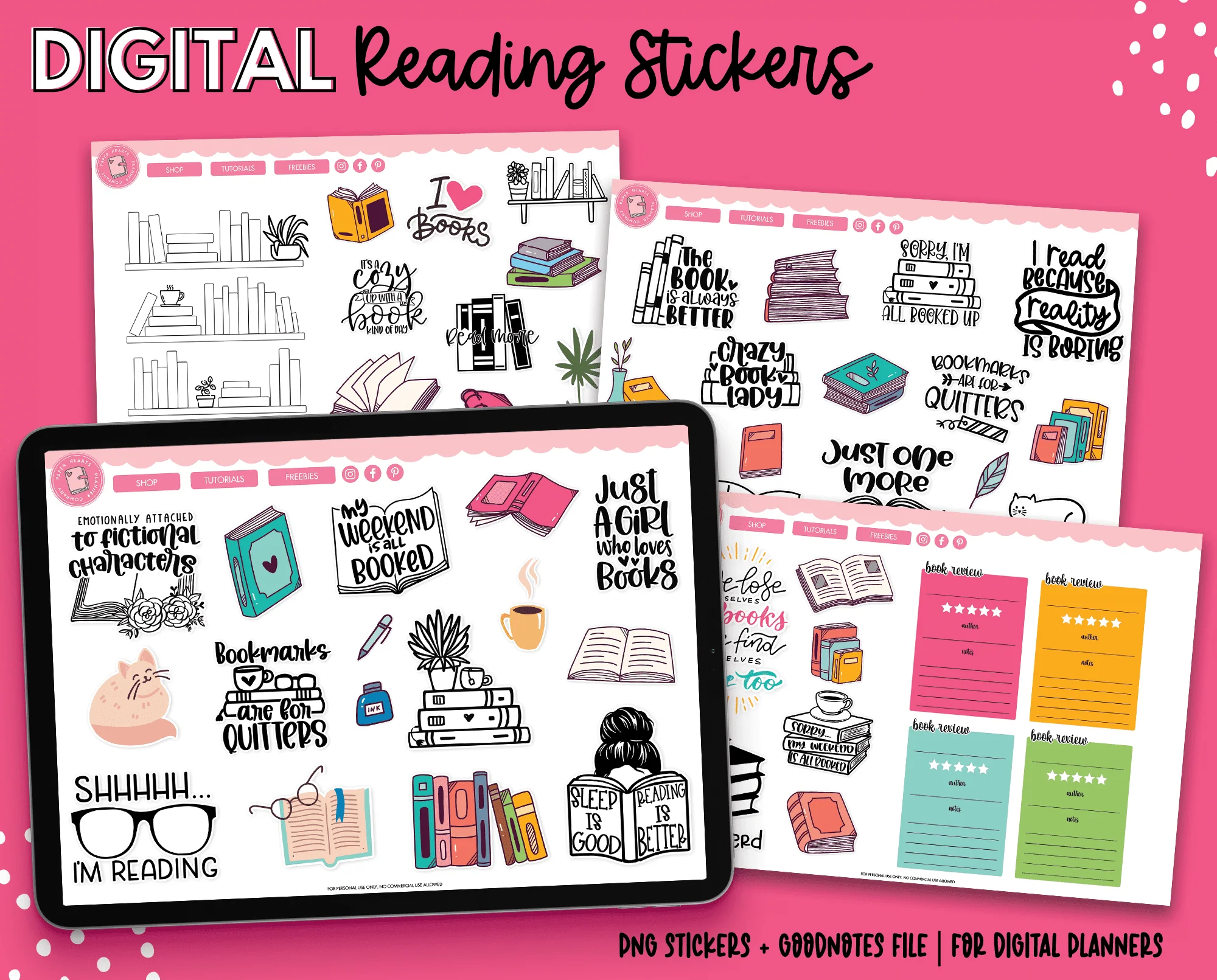
In today’s digital age, journaling has evolved beyond traditional notebooks and pens. With the rise of digital journal stickers, planners, and apps, individuals can now personalize their digital spaces creatively while staying organized. Digital journal stickers are not just decorative; they add structure, creativity, and motivation to your daily planning. In this comprehensive guide, we’ll explore everything you need to know about digital journal stickers, including their benefits, types, usage tips, and the best platforms to use them.
What Are Digital Journal Stickers?
Digital journal stickers are graphic elements used in digital journals, planners, and note-taking apps to enhance visual appeal and functionality. Unlike traditional
stickers, these are files (PNG, JPEG, or SVG) that can be easily dragged, dropped, or resized within digital notebooks like GoodNotes, Notability, or OneNote.
These stickers can range from cute icons, motivational quotes, trackers, or functional shapes that help you organize your tasks, goals, and schedules.
Why use digital journal stickers?
- Customization: Personalize your journal without cluttering pages.
- Reusability: Use the same sticker multiple times without wasting paper.
- Accessibility: Available on tablets, smartphones, and computers.
- Eco-friendly: A sustainable alternative to physical stickers.
Types of Digital Journal Stickers
Digital journal stickers come in various forms, each serving a specific purpose. Knowing these types can help you choose the best stickers for your digital planning needs.
1. Decorative Stickers
Decorative stickers are primarily for aesthetic purposes. They include illustrations, icons, or patterns that make your digital journal visually appealing.
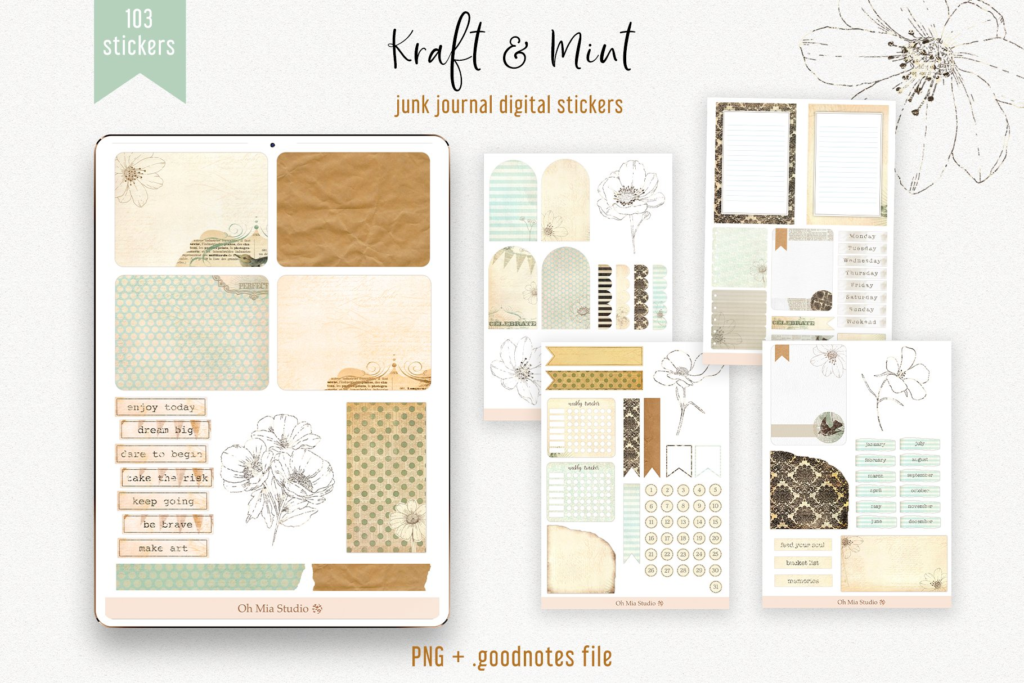
Examples:
- Flowers and plants
- Animals and pets
- Seasonal or holiday designs
These stickers are perfect for users who want to make journaling more enjoyable and visually engaging.
2. Functional Stickers
Functional stickers serve a purpose beyond decoration. They help in organizing tasks, planning schedules, and tracking habits.
Examples:
- To-do lists
- Calendar icons
- Reminder notes
- Habit trackers
By using functional stickers, you can improve productivity and ensure your digital journal is both beautiful and practical.
3. Motivational Stickers
Motivational stickers inspire and encourage journaling consistency. They often include quotes, affirmations, or goal reminders.
Examples:
- “You’ve got this”
- “Stay focused”
- “Progress, not perfection”
Motivational stickers help maintain a positive mindset while journaling.
4. Planner Stickers
Planner stickers are tailored specifically for organizing schedules and events. They help highlight important dates, deadlines, and appointments.
Examples:
- Meeting reminders
- Birthdays and anniversaries
- Project deadlines
These stickers streamline planning, making your digital journal more functional and organized.
Benefits of Using Digital Journal Stickers
Incorporating digital journal stickers into your journaling routine offers numerous benefits:
1. Enhances Creativity
Digital stickers allow you to experiment with different designs, colors, and layouts. This flexibility makes your journaling process more enjoyable and encourages self-expression.
2. Saves Time
Instead of drawing icons or headings manually, digital stickers can be quickly added to any page. This saves valuable time, especially for busy students or professionals.
3. Eco-Friendly
Using digital stickers eliminates the need for physical paper stickers, reducing waste and promoting sustainable journaling practices.
4. Increases Motivation
Adding decorative or motivational stickers can make journaling more engaging, helping you maintain consistency and stay motivated.
5. Easy Organization
Functional stickers, like checklists or calendar icons, make it easier to structure your tasks, track progress, and stay organized without cluttering your digital pages.
How to Use Digital Journal Stickers
Using digital journal stickers is easy once you understand the basic steps. Here’s a step-by-step guide:
Step 1: Choose the Right App
Popular apps for digital journaling include:
- GoodNotes: Perfect for iPad users who love customization.
- Notability: Offers excellent annotation features.
- OneNote: Great for Windows and cross-device syncing.
- ZoomNotes: Ideal for detailed planners and note-taking.
Step 2: Import Stickers
Most digital stickers come as PNG files with transparent backgrounds. You can import them into your app by either dragging and dropping or using the import function.
Step 3: Arrange and Resize
Once imported, stickers can be resized, rotated, or duplicated. This allows you to adjust them according to your page layout.
Step 4: Layer Stickers with Notes
Combine functional stickers (like trackers) with decorative ones to create a balanced, visually appealing digital journal page.
Step 5: Save and Reuse
The best part about digital stickers is reusability. You can save sticker packs and use them across multiple journals and projects.
Popular Digital Journal Sticker Ideas
Here are some popular sticker ideas to enhance your digital journaling experience:
- Monthly habit trackers: Monitor your habits and routines.
- Mood trackers: Visualize daily emotions with expressive icons.
- To-do lists: Organize daily, weekly, or monthly tasks.
- Goal setting stickers: Highlight short-term and long-term goals.
- Event markers: Mark birthdays, holidays, and appointments.
- Inspirational quotes: Boost motivation with daily affirmations.
- Minimalist icons: For a clean and simple journal aesthetic.
These ideas can inspire you to create a journaling system that’s both functional and fun.
Tips for Choosing the Best Digital Journal Stickers
Selecting the right digital journal stickers can make or break your journaling experience. Here are some tips:
- Consider Your Style: Choose stickers that reflect your personality, whether it’s minimalistic, cute, or artistic.
- Prioritize Functionality: Include stickers that help with task management and planning.
- Look for Compatibility: Ensure your stickers are compatible with your preferred digital journaling app.
- Use Mix and Match: Combine decorative, functional, and motivational stickers for variety.
- Download Packs: Many sticker creators offer themed packs that save time and maintain consistency in design.
Where to Find Digital Journal Stickers
You can find high-quality digital journal stickers from multiple sources:
- Etsy: Offers a wide range of unique, handcrafted stickers.
- Creative Market: Perfect for professional-grade sticker packs.
- Pinterest: Explore free and premium sticker designs.
- Sticker Apps: Apps like GoodNotes provide in-app sticker stores.
- Independent Artists: Support small creators by purchasing directly from their websites.
By exploring these sources, you can find stickers that suit your digital journaling style perfectly.
